
Couple Court · Verdict week
Lead with the disagreement. Keep the payoff. No spoilers in the caption.
For creators
Pick a campaign, clip it and post it on your
TikTok, Instagram or YouTube. You see the terms before you start.
You post on your own accounts. ClipScope only reads.
Sample campaigns
Lead with the disagreement. Keep the payoff. No spoilers in the caption.

Build curiosity. Keep the emotional context. End with a reason to watch.
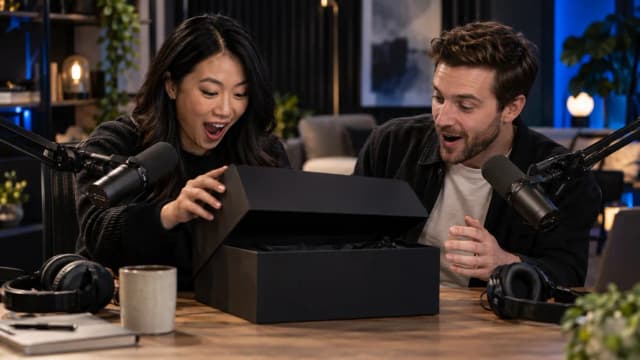
Start before the reveal. Preserve the reaction. Keep the reveal visible.

Keep it candid. Use approved footage. Let the cast's personality lead.
Studios, production companies and brands run their campaigns on ClipScope. You choose the ones you want to cut.
When a show attaches its own footage, you cut from that, so you know what’s approved before you edit.
Read the brief, the rate and the rules, and any posting window, before you join.
Every clip you submit and its latest numbers sit together in your account.
Creators make clips for ClipScope campaigns, post them on their own accounts and link those accounts so each clip’s results are counted.
Browse live campaigns. See the rate, the rules and any posting window before you join, then use any source footage the show provides.
Connect your TikTok, Instagram or YouTube account. You approve access on the platform’s own page.
Post the clip on your own account and submit its link. ClipScope checks the post is yours and keeps its numbers up to date.
ClipScope only reads. It never posts, edits or deletes anything on your accounts, and you can remove its access in your TikTok, Instagram or Google settings at any time. Privacy policy · Delete your data
Sign up, link the accounts you post from and pick a campaign.